
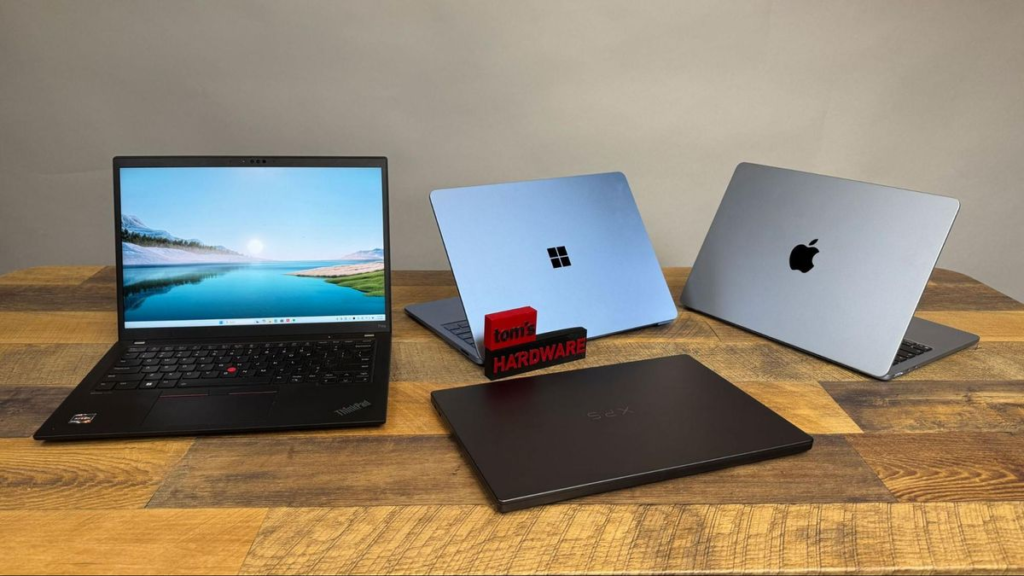
Discover the best Laptop options in 2026 with this complete buying guide. Compare features, performance, battery life, displays, portability, gaming capabilities, productivity tools, and expert tips to find the perfect laptop for work, study, gaming, and everyday use.
Because of these shifts, there is no single laptop that works perfectly for everyone. A student attending online lectures requires a completely different toolset than a creative professional working with high-resolution video streams or a developer compiling machine-learning models. Making the wrong choice can lead to immediate performance bottlenecks or overpaying for specs you will never use. This guide will walk you through navigating the laptop market to ensure you secure the best asset for your workflow.
Understanding Your Needs First

Before evaluating individual specifications, you must define your workload profile. The hardware choices you make later depend heavily on this foundation.
- Students: Your primary constraints are portability, structural durability, and prolonged battery endurance. Typical workloads include note-taking, complex research, video calls, and writing code. Machines like the ultra-budget Apple MacBook Neo or mid-range Windows Copilot+ systems provide the best baseline for multi-year academic lifecycles.
- Professionals: Business-focused users prioritize biometric data security, tactile keyboard ergonomics, and efficient multitasking capabilities. If you travel frequently, raw performance takes a backseat to extreme energy efficiency.
- Content Creators: High-fidelity video editors, 3D animators, and photographers need color-accurate display configurations, fast multi-threaded processors, and dedicated graphics cards. Integrated graphics will slow down rendering queues, making mobile workstations or premium creator hardware necessary.
- Gamers: Gaming setups demand maximum thermal heat dissipation, desktop-class graphics processing units, and high-refresh-rate panels. Portability and battery longevity are secondary constraints for these high-power rigs.
- Casual Users: For web browsing, media streaming, and managing documents, heavy investments in high-end silicon are wasteful. Mid-range ultraportables or Chromebook Plus units offer exceptional value without structural compromises.
Key Laptop Features to Consider
Processor (CPU)
The central processing unit dictates the maximum computational speed of your machine. The processor market is highly competitive, with distinct choices matching different user intents:
- Intel Core Ultra (Series 2 / Series 3): These processors utilize a hybrid processing architecture that splits tasks between performance cores and efficiency cores. They feature powerful built-in Intel Arc graphics architecture, making them great all-rounders for office work and casual gaming. Newegg
- AMD Ryzen AI 300 Series: Known for exceptional multi-core computing power and cooling efficiency, AMD chips run cooler under continuous heavy computing loads. Their integrated Radeon 890M graphics engine delivers excellent graphical performance without needing a battery-draining dedicated graphics card. Newegg+ 1
- Qualcomm Snapdragon X Elite / Plus: Built on highly efficient ARM processing architecture, these chips excel at basic productivity tasks, delivering an impressive 15 to 20 hours of real-world battery life. However, they are not optimized for heavy gaming due to legacy software compatibility limitations. Newegg
RAM (Memory)
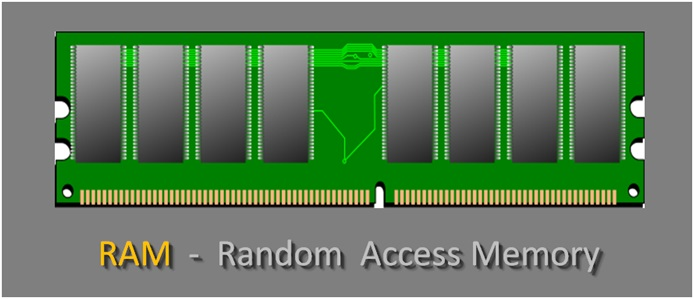
System memory directly affects how smoothly your computer handles multiple demanding applications simultaneously. In modern computing environments, 8GB of RAM is strictly for entry-level use, such as browsing and handling documents on budget devices like the basic MacBook Neo.
For the vast majority of users, 16GB of unified or LPDDR5X RAM is the modern standard required to future-proof a Windows or macOS system. If you run local artificial intelligence models, edit 4K video footage, or open dozens of browser tabs alongside specialized developer tools, upgrading to 32GB of RAM is highly recommended.
Storage
Solid-state drives have completely taken over older hard drive architectures. Modern NVMe SSDs ensure your system boots up instantly and applications load without delay. When choosing a drive, pay attention to storage capacity limits:
- 256GB: Only suitable for cloud-heavy student workflows or basic web browsing.
- 512GB: The absolute baseline sweet spot for mainstream professionals and general users.
- 1TB or Greater: Crucial for storing large file libraries, media projects, or modern game installations.
Display Quality
Since you interact with the display constantly, its engineering quality shapes your entire computing experience. Modern laptops feature two primary screen technologies: IPS panels offer reliable brightness and color accuracy at an accessible price point, while OLED and Mini-LED technologies deliver deep, true contrast levels and exceptional color ranges.
When reviewing displays, ensure your option matches your goals. Creative professionals should seek a panel with 100% sRGB or DCI-P3 color gamuts to guarantee accurate image editing. Gamers should look for smooth 120Hz to 144Hz high refresh rates to minimize screen tearing during fast-moving gameplay.
Types of Laptops Available
| Laptop Type | Best For | Structural Focus |
|---|---|---|
| Ultrabooks | Professionals and mobile travelers | Thin profiles, premium metal bodies, extreme battery life |
| Gaming Laptops | Gamers and multi-threaded rendering | Dedicated high-power GPUs, heavy multi-fan cooling |
| Business Laptops | IT corporate fleets and office work | Hardware data encryption, easy enterprise repairability |
| Student Laptops | Academic assignments and lecture halls | Affordability, everyday durability, lightweight design |
| 2-in-1 Laptops | Presenters, artists, and versatile setups | 360-degree hinges, active stylus support, touchscreen panels |
| Creator Laptops | Visual designers and audio editors | Wide color gamuts, fast multi-core silicon, high resolutions |
Common Mistakes Laptop Buyers Make
It is easy to fall into purchasing traps when comparing options online or in retail environments. To secure the best value, avoid these common missteps:
The Budget Trap: Choosing a machine based solely on a low price tag often backfires. Saving money upfront on a device with an inadequate 8GB of non-upgradeable RAM or a dim 250-nit display can quickly lead to system slowdowns and user frustration, forcing an expensive replacement sooner than expected.
- Ignoring Battery Testing: Do not rely blindly on manufacturer specifications. High-resolution screens or powerful processors often drain power quickly. Always check independent, real-world loop testing reviews before buying.
- Overbuying Performance Power: Purchasing an advanced, high-tier processor for basic administrative tasks wastes money and compromises battery life. Match the silicon tier to your everyday use case.
Hardware Validation Checklist
Before finalizing your purchase, verify that the device meets or exceeds these baseline parameters:
- Processor: Minimum Intel Core Ultra 5, AMD Ryzen 5 AI, or Apple Apple Silicon family.
- RAM Capacity: Baseline 16GB LPDDR5X for Windows devices to ensure smooth system multitasking.
- Storage Type: Minimum 512GB PCIe Gen4 NVMe SSD to handle ongoing software and OS updates.
- Display Panel: Minimum 1920×1200 resolution with 300 nits of brightness for comfortable indoor visibility.
- Connectivity Selection: At least two USB-C ports (with Thunderbolt 4 or USB4 specification) to support charging and external display connections.
Finding the Absolute Best Value
To get the most out of your budget, focus on the features that matter most to your daily routine rather than paying extra for features you won’t use.
Laptop Value Tiers
[Budget Tier: Under $600]    --> Focuses on basic productivity, e.g., MacBook Neo
[Mid-Range Tier: $600-$1200] --> The sweet spot for OLED screens, 16GB RAM, and strong processors
[Premium Tier: Over $1200]   --> Delivers specialized mobile workstations and elite gaming power
Use a balanced approach to ensure your investment stands the test of time.