
Buying a laptop sounds easy until you start looking at the options.
Suddenly, you’re comparing processors, RAM, storage, display types, and battery ratings.
The graphics cards, operating systems, and other specifications can make the purchase feel surprisingly complicated.
Read Reviews to help decide.
The good news is that you don’t need the most expensive laptop or the newest specifications to get a good experience. The right laptop is the one that fits the way you actually use your computer.
A college student may need something lightweight for notes, assignments, browsing, and video calls. A professional might care more about multitasking and battery life, while a designer or video editor may need a powerful processor and dedicated graphics. Gamers have a completely different set of priorities.
This 2026 laptop buying guide breaks down the important things to consider before choosing a laptop, without turning the decision into a technical exam.
What Makes a Good Laptop in 2026?
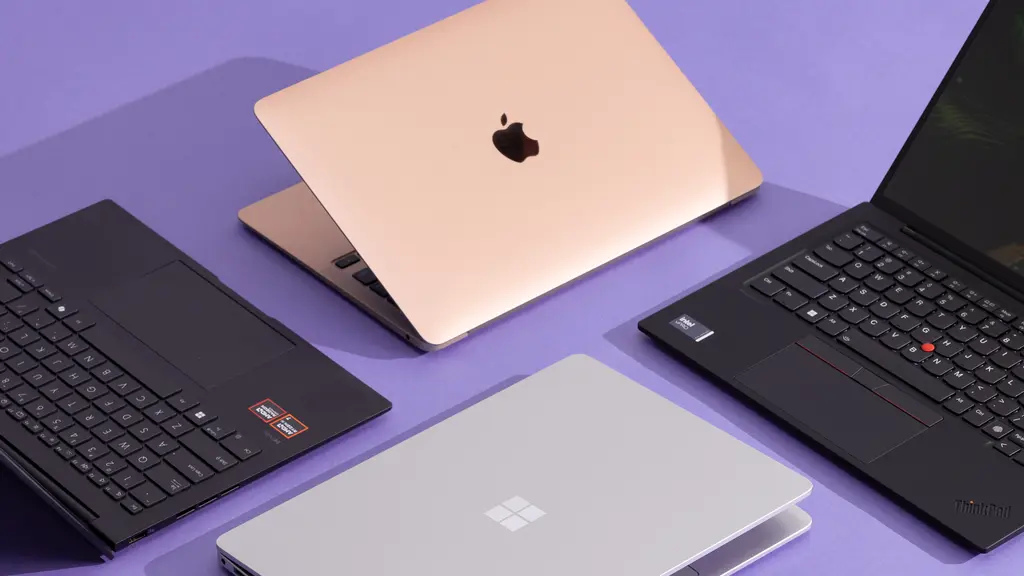
Modern laptops have become more capable than they were a few years ago.
Recent Reviews show that affordable models can handle web browsing, streaming, office work, classes, video calls, and basic photo editing.
The bigger question is what you expect to do with the laptop.
A good laptop should feel responsive during your regular tasks, have enough storage for your files, offer a comfortable keyboard and display, and provide enough battery life for your typical day.
Here’s a quick look at what matters most:
| Feature | Why It Matters |
|---|---|
| Processor | Controls overall computing performance |
| RAM | Helps with multitasking |
| SSD storage | Provides faster file access and startup |
| Display | Affects viewing comfort and image quality |
| Battery | Determines how long you can work away from a charger |
| Keyboard | Important for long typing sessions |
| Graphics | Matters for gaming, editing, and creative work |
| Weight | Important if you carry the laptop frequently |
| Ports | Determines what accessories you can connect |
| Build quality | Affects durability and everyday comfort |
1. Choose the Laptop Based on Your Work
Before comparing specifications, think about what you will actually do on the laptop.
If most of your day involves Chrome tabs, documents, emails, spreadsheets, presentations, and video calls, you probably don’t need an extremely powerful gaming laptop.
On the other hand, if you’re editing 4K video, creating 3D models, developing software, or playing demanding games, performance becomes much more important.
A simple way to narrow your options is to start with your primary use case.
| User Type | What to Prioritize |
|---|---|
| Student | Battery, portability, keyboard, price |
| Office professional | Multitasking, keyboard, display, battery |
| Content creator | CPU, RAM, display, GPU, storage |
| Video editor | Powerful CPU, dedicated GPU, RAM, SSD |
| Gamer | GPU, refresh rate, cooling, CPU |
| Programmer | CPU, RAM, keyboard, display |
| Frequent traveler | Weight, battery, durability |
| Home user | Value, display, storage, reliability |
This approach can prevent you from paying for hardware you’ll rarely use.
2. Processor: Don’t Get Distracted by the Numbers
The processor, or CPU, is one of the most important components inside a laptop.
Modern laptops use processors from several major families and manufacturers, and the naming can get confusing. A higher model number doesn’t automatically mean the laptop is better for your particular needs.
For everyday work, a modern mid-range processor can already provide plenty of performance.
If you’re working with large datasets, compiling software, editing video, running virtual machines, or performing other demanding tasks, you’ll benefit from a more powerful CPU.
Instead of asking, “What’s the fastest processor available?” ask:
“How much processing power do my applications actually require?”
That question can save money while still giving you a laptop that feels fast.
3. RAM Matters When You Multitask
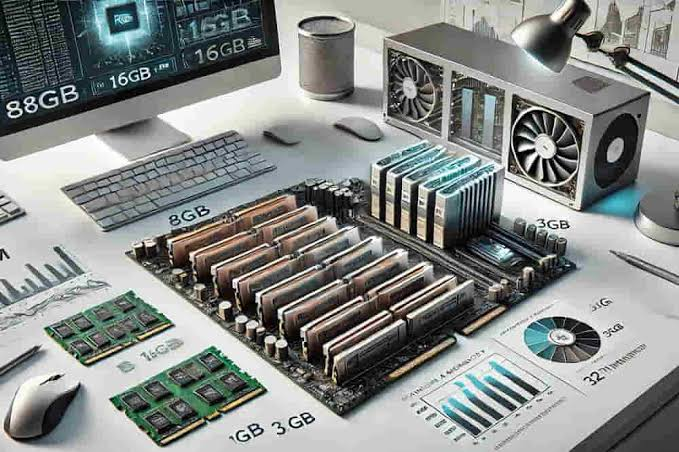
RAM affects how well your computer handles multiple applications and browser tabs at the same time.
For basic use, a modest amount of RAM may be enough. But if you’re the type of person who has a browser with twenty tabs open, a video call running, a spreadsheet on one screen, and several other applications open, additional RAM can make the experience smoother.
For many users in 2026, choosing a laptop with enough RAM for their expected workload is more important than chasing the newest processor.
If you plan to keep your laptop for several years, having some extra memory headroom can also be useful.
4. SSD Storage Is the Standard to Look For
If you’re buying a modern laptop, solid-state storage is an important feature.
SSDs are generally much faster than older mechanical hard drives. They help laptops start faster, launch applications more quickly, and move files more efficiently.
Storage capacity is another consideration.
A laptop with a small SSD may seem affordable at first, but you can quickly run out of space if you store large videos, photos, games, or project files.
| Storage | Suitable For |
|---|---|
| Smaller SSD | Basic documents and cloud-based work |
| Mid-range SSD | Everyday work, photos, apps and files |
| Larger SSD | Creative projects, games and large media libraries |
If you work with large files, don’t forget that external storage or cloud storage can also be part of your setup.
5. Display Quality Can Change the Whole Experience
The display is one of those specifications that can be easy to overlook when you’re comparing processor and RAM numbers.
But think about how many hours you will spend looking at the screen.
A good laptop display should provide comfortable viewing, suitable brightness, good viewing angles, and a resolution appropriate for the screen size.
For creative professionals, color accuracy can be particularly important. Gamers may care more about refresh rate and response time.
For everyday users, a comfortable and reasonably bright display may be more important than having the highest possible resolution.
6. Battery Life: Look Beyond the Advertised Number
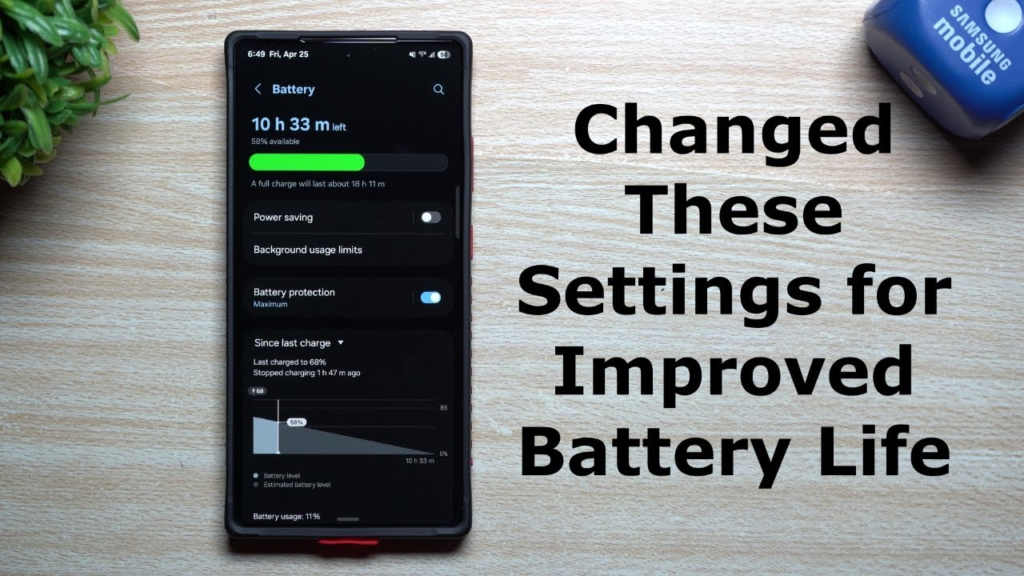
Battery life is particularly important for students, travelers, and people who work away from a desk.
Manufacturers often advertise battery estimates under specific test conditions. Real-world battery life can vary depending on brightness, applications, Wi-Fi use, video playback, and background processes.
If you regularly spend hours away from a power outlet, look at independent reviews and real-world testing rather than relying only on the manufacturer’s headline figure.
Also consider charging convenience. A laptop that charges quickly can be much easier to live with when you’re moving between classes, meetings, cafés, or airports.
7. Keyboard and Trackpad Are More Important Than They Look
A laptop can have impressive specifications and still be frustrating to use if the keyboard and trackpad aren’t comfortable.
If you type regularly, pay attention to key spacing, key travel, layout, and overall feel.
The trackpad should also be responsive and accurate.
This is especially important for writers, programmers, students, and office workers who spend hours typing every day.
A laptop is something you interact with constantly. Small comfort issues can become surprisingly annoying after a few weeks.
8. Graphics Performance for Gaming and Creative Work

Not everyone needs a dedicated graphics processor.
For browsing, office applications, streaming, and basic productivity, integrated graphics can be sufficient for many users.
Dedicated graphics become more relevant for:
- PC gaming
- 3D design
- Video editing
- Animation
- CAD applications
- Certain AI workloads
- Professional graphics work
If gaming is your main priority, don’t judge a laptop by its CPU alone. Graphics performance, cooling, display refresh rate, and power management all affect the experience.
9. Windows, macOS, ChromeOS and Other Options
The operating system affects how your laptop works and which applications you can use.
Windows laptops offer a wide range of hardware choices and are available across many price levels.
Mac laptops are popular among users who value Apple’s hardware-software integration and already use other Apple devices.
Chromebooks and ChromeOS devices can be useful for people whose computing needs revolve around web applications, documents, browsing, education, and cloud-based services.
The best operating system is largely the one that supports the software and workflow you already use.
Before buying, check whether the applications you depend on are available for your chosen platform.
10. Portability vs Performance
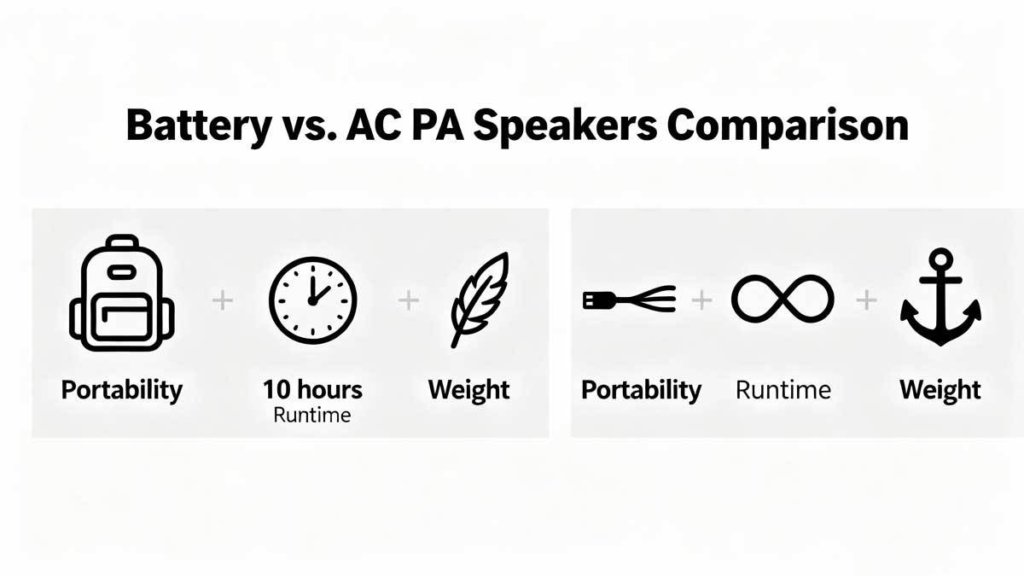
There’s usually a trade-off between portability and raw performance.
Thin and lightweight laptops are convenient to carry around, but powerful components can require more cooling and physical space.
A larger performance-oriented laptop may be heavier but can provide stronger sustained performance.
Think about where you’ll use your laptop.
If it stays on a desk most of the time, weight may not matter much. If you’re carrying it between college, work, meetings, and home every day, even a few hundred grams can make a difference.
11. Ports and Connectivity Still Matter
Wireless connectivity is important, but physical ports haven’t disappeared.
Depending on your work, you may need USB ports, HDMI, an audio jack, memory-card support, or USB-C connectivity.
Creative professionals may need to connect cameras, external drives, monitors, or other accessories. Office users may regularly connect external displays and peripherals.
Before buying a laptop, look at the actual port selection rather than assuming you’ll have everything you need.
Adapters can solve some problems, but needing multiple dongles every time you sit at your desk can become irritating.
12. Build Quality and Durability
A laptop is a significant purchase, so durability deserves attention.
Look at the hinge, keyboard deck, chassis materials, and overall construction. A premium-looking finish is nice, but practical durability matters more.
If you travel frequently, consider how easily the laptop can fit into your bag and whether the construction feels capable of handling regular movement.
Also check the manufacturer’s warranty and available service options before purchasing.
13. Don’t Ignore Software and Security
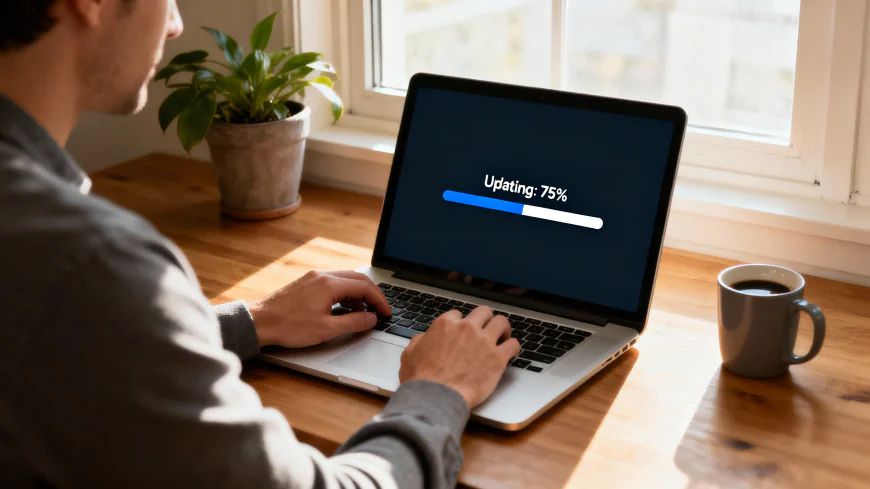
Hardware gets most of the attention in laptop reviews, but software is equally important.
A laptop should receive security updates and support the applications you need.
Keep your operating system updated, use strong account security, and back up important files.
If you’re buying a laptop for work, check whether your organization’s applications, VPN, security software, or other systems work correctly with the operating system you’re considering.
How Much Should You Spend on a Laptop?
There isn’t one perfect laptop budget.
Your spending should reflect your workload and how long you expect to keep the device.
A basic user may get everything they need from an affordable laptop. A professional working with demanding software may need to spend significantly more.
Instead of setting a budget first and then trying to squeeze your needs into it, consider your requirements first.
For example:
Basic use → moderate hardware → lower cost
Professional productivity → stronger hardware → mid-range investment
Gaming/creative workloads → powerful CPU/GPU → higher investment
The most expensive model isn’t automatically the best value.
Laptop Buying Checklist for 2026
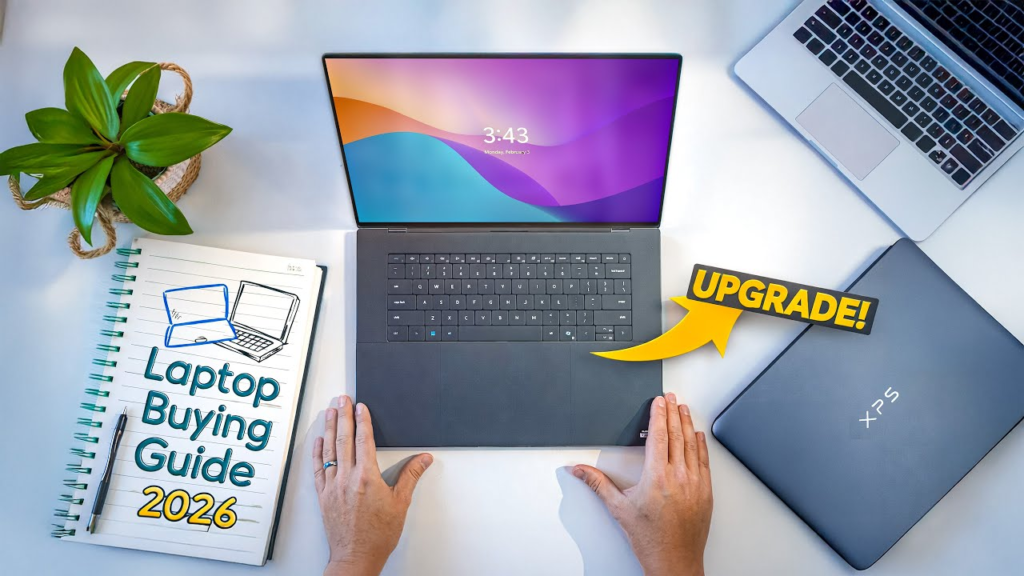
Before placing an order, run through this quick checklist:
- What will I mainly use the laptop for?
- How much RAM do my applications need?
- Is the SSD large enough for my files?
- Is the display comfortable for long sessions?
- Do I need dedicated graphics?
- How portable does the laptop need to be?
- Are the available ports sufficient?
- Does the operating system support my software?
- What is the real-world battery performance?
- Does the laptop have a suitable warranty?
- Is there reliable service support?
- Can I comfortably afford the device without paying for features I won’t use?
This checklist can help turn a confusing specification sheet into a much simpler buying decision.
Common Laptop Buying Mistakes
One of the easiest mistakes is buying based entirely on the processor name.
Another is choosing the cheapest model without considering storage, RAM, display quality, or long-term usability.
Some buyers also focus heavily on appearance. A beautiful laptop is great, but it won’t compensate for a keyboard you dislike or insufficient storage.
Buying more performance than you need is another common issue. A powerful gaming laptop may sound impressive, but if your daily routine consists mostly of documents, browsing, and video calls, a lighter machine may make more sense.
Finally, don’t forget to read reviews from people who actually tested the laptop. Specifications can tell you what is inside the machine, but real-world testing can reveal things like fan noise, thermal performance, battery behavior, display quality, and keyboard comfort.

Coupon Codes 2026: Best Promo Codes, Discounts & Deals
Online shopping has made it easier to find almost anything with a few clicks, but…

Compare Flight Prices in 2026: Find Cheap Flights & Best Deals
Booking a flight can feel surprisingly complicated. Two people searching for the same route can…

The Ultimate E-commerce Guide for Beginners in 2026
Guide to starting an online store Starting an online store can feel overwhelming when you…
Ultimate 2026 Laptop Buying Guide: Expert Reviews & Picks
Buying a laptop sounds easy until you start looking at the options. Suddenly, you’re comparing…

Best Price Comparison Tools to Save Money in 2026
Let’s be honest with ourselves for a second. How many times have you been staring…

Best Festive Discounts & Promotions to Watch in 2026
Let’s be completely honest about how festive shopping actually works. Every year, as soon as…